Data usage, battery health, system vitals and a full network toolkit — in one app. Every value traces to a documented Android API. No root. No account. No fiction.
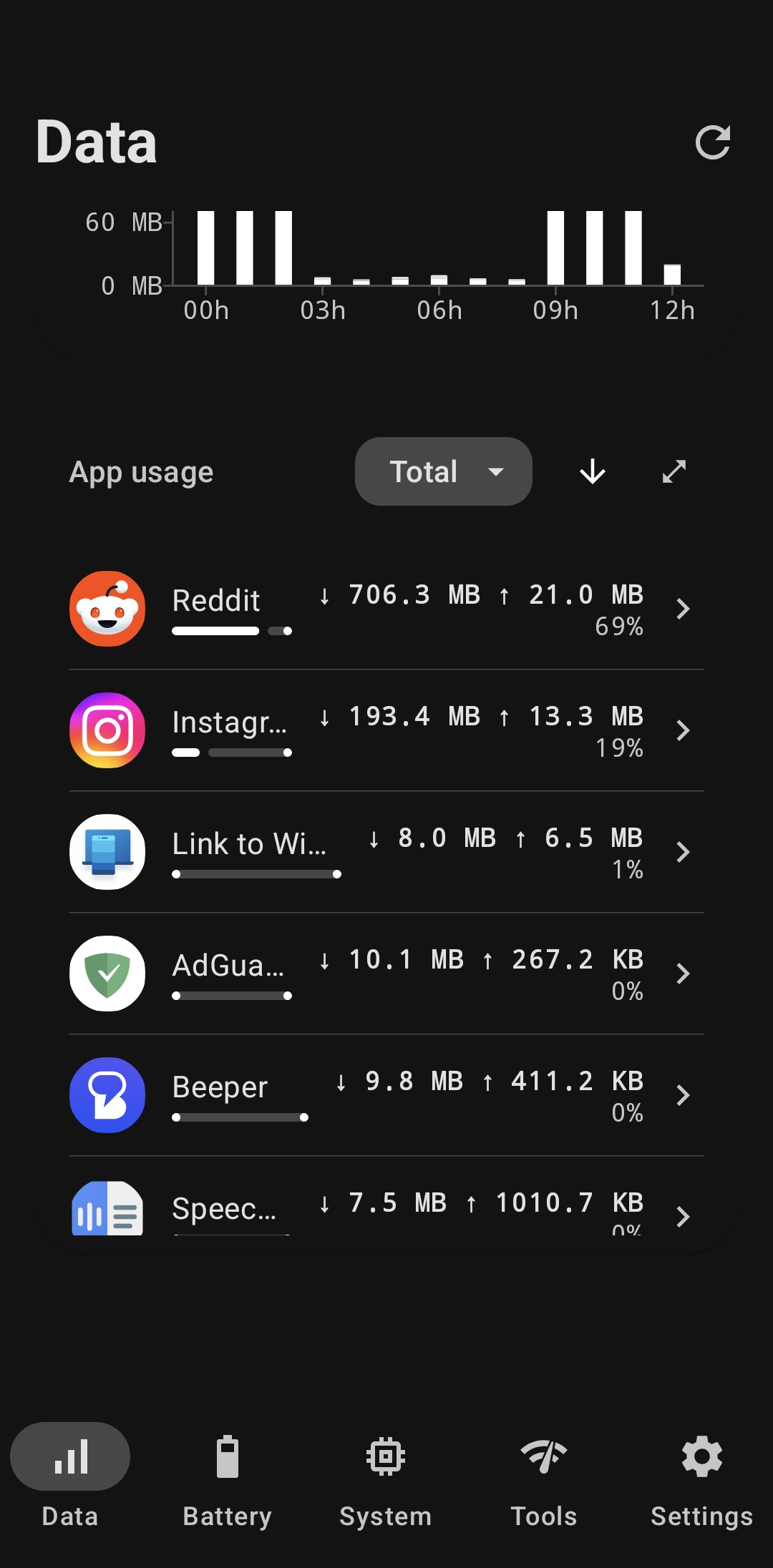
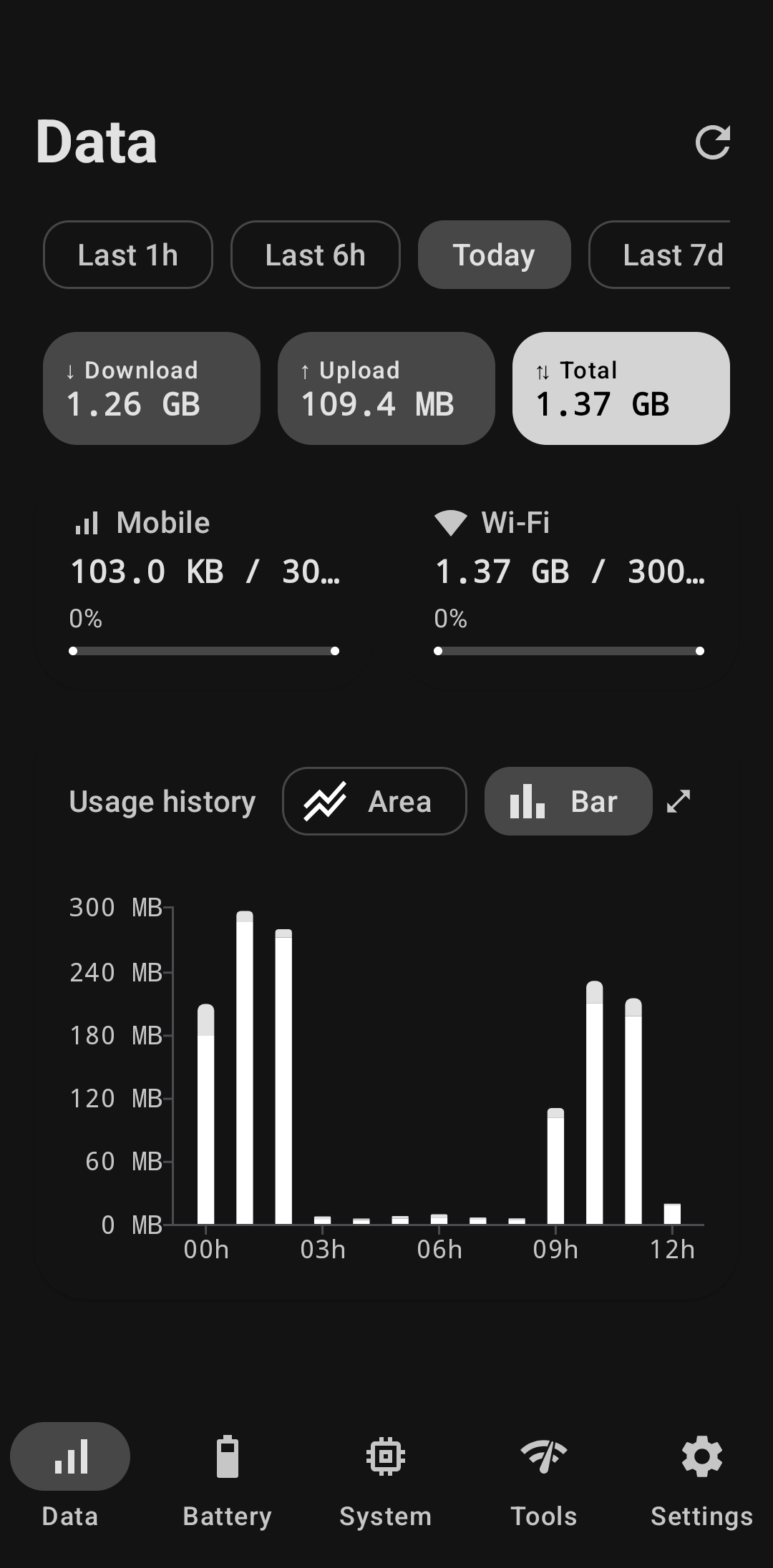
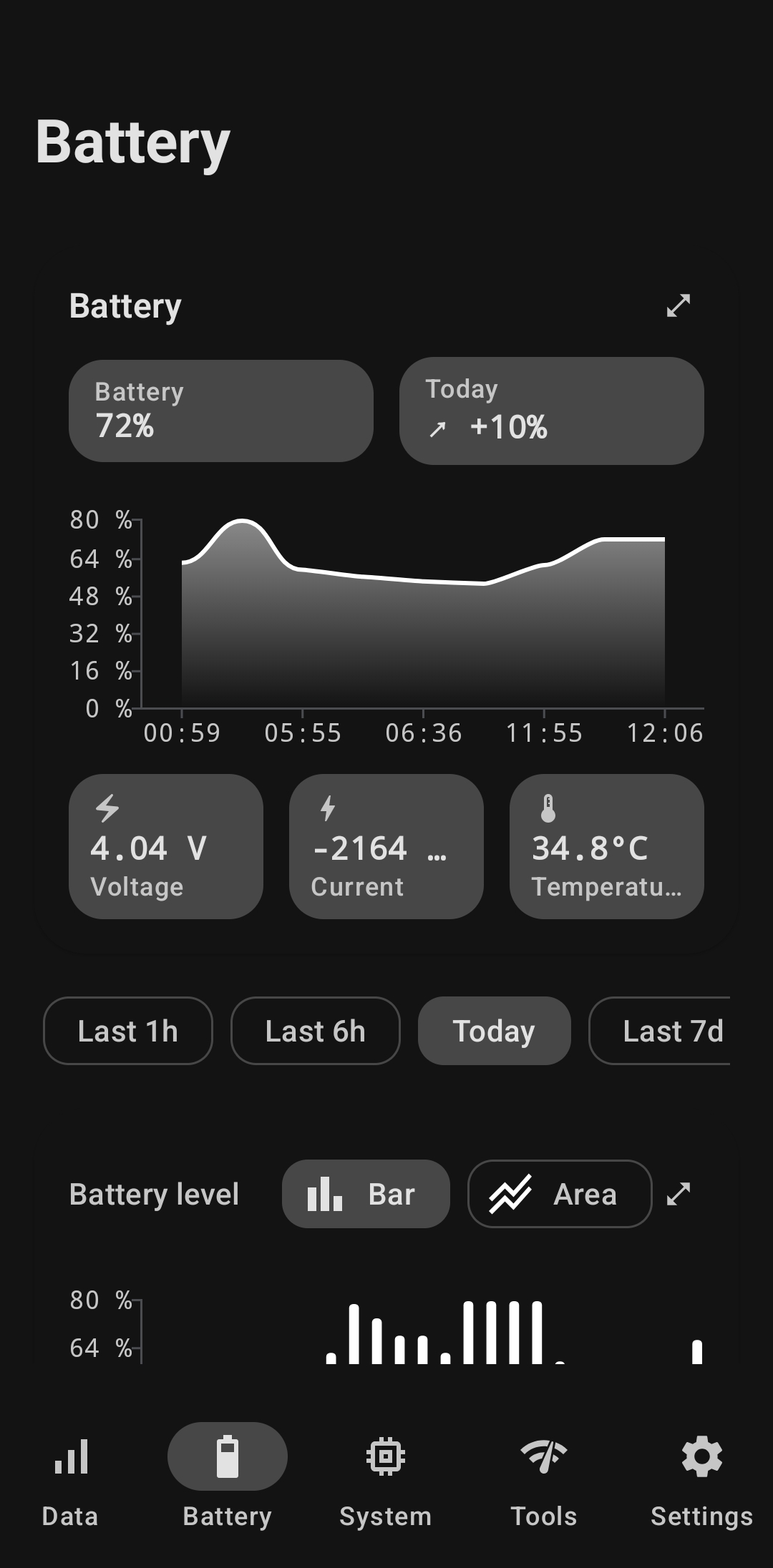
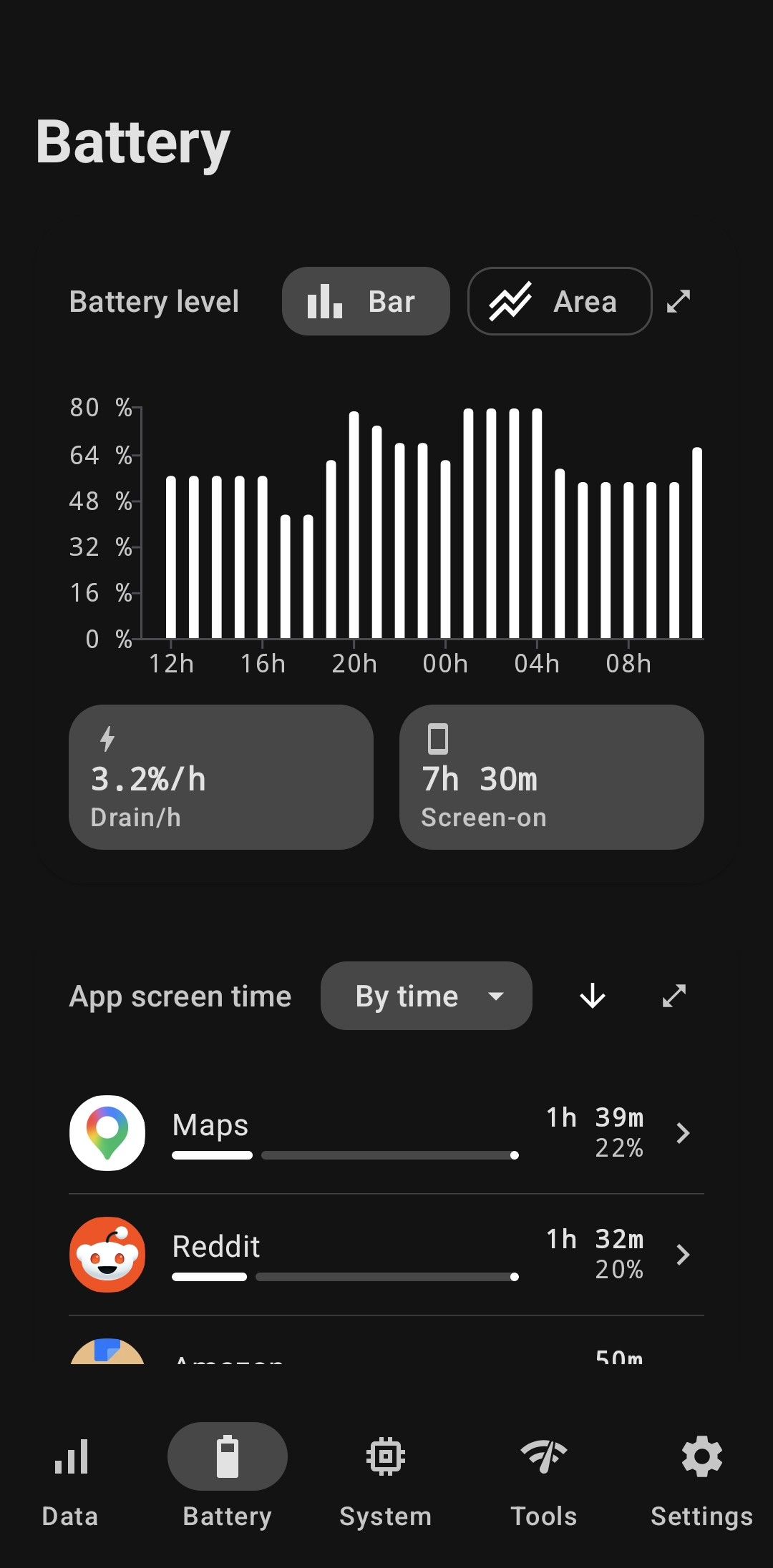
Actual readings from the screens below — every value in Andromeda is set in Geist Mono with tabular figures, so digits never shift as they update.
Real screens · real device
Captured on a Galaxy S24 running Android 16 — real screens, real readings, no mockup fakery and no filler numbers.
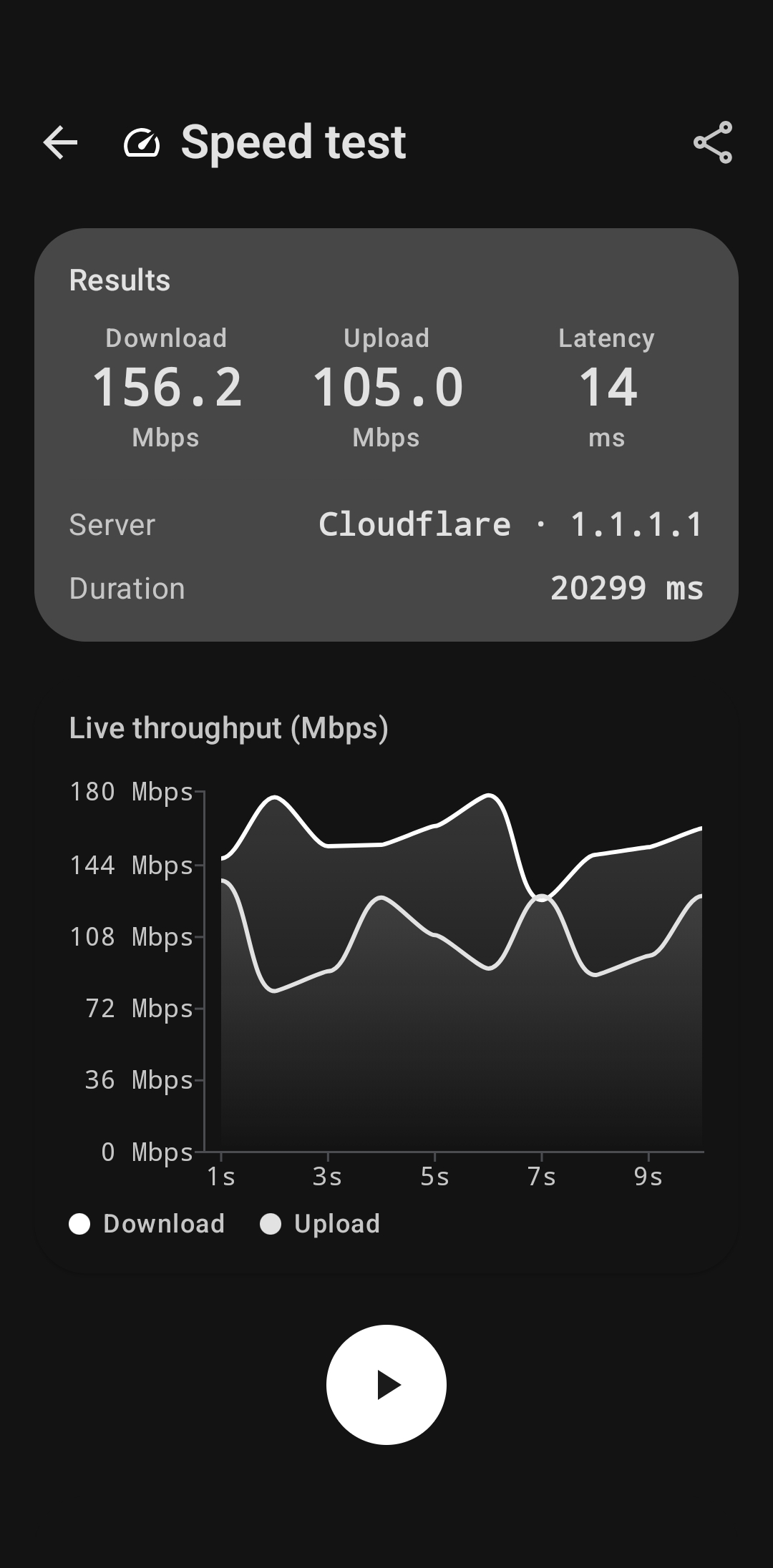
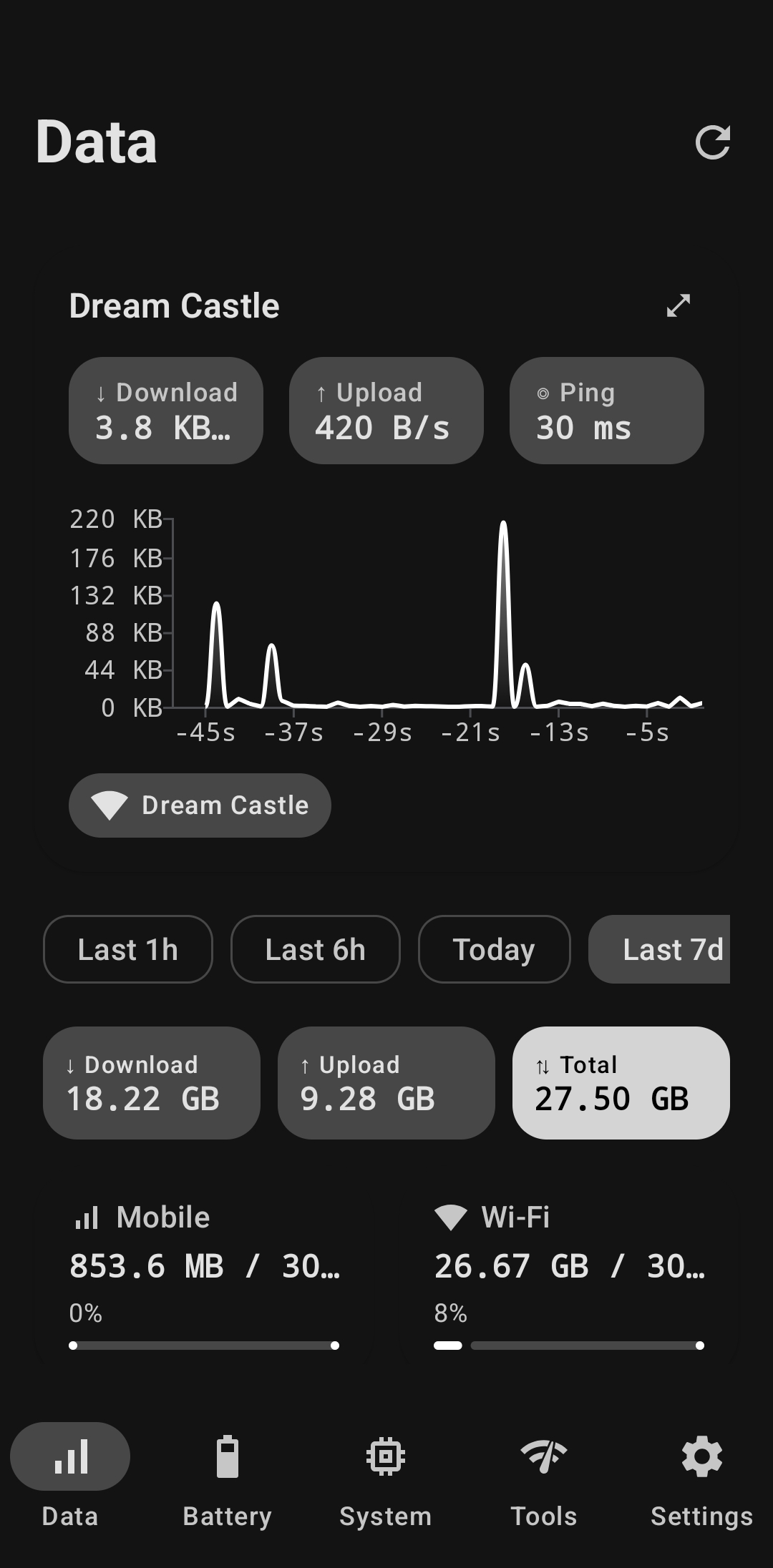
Live download, upload and ping on the connection you're actually on. Mobile and Wi-Fi always kept separate, never bundled into one misleading total.
Level, voltage, current and temperature, sampled continuously and plotted over time. Per-app screen time is labelled as screen time — never dressed up as a fabricated drain percentage.
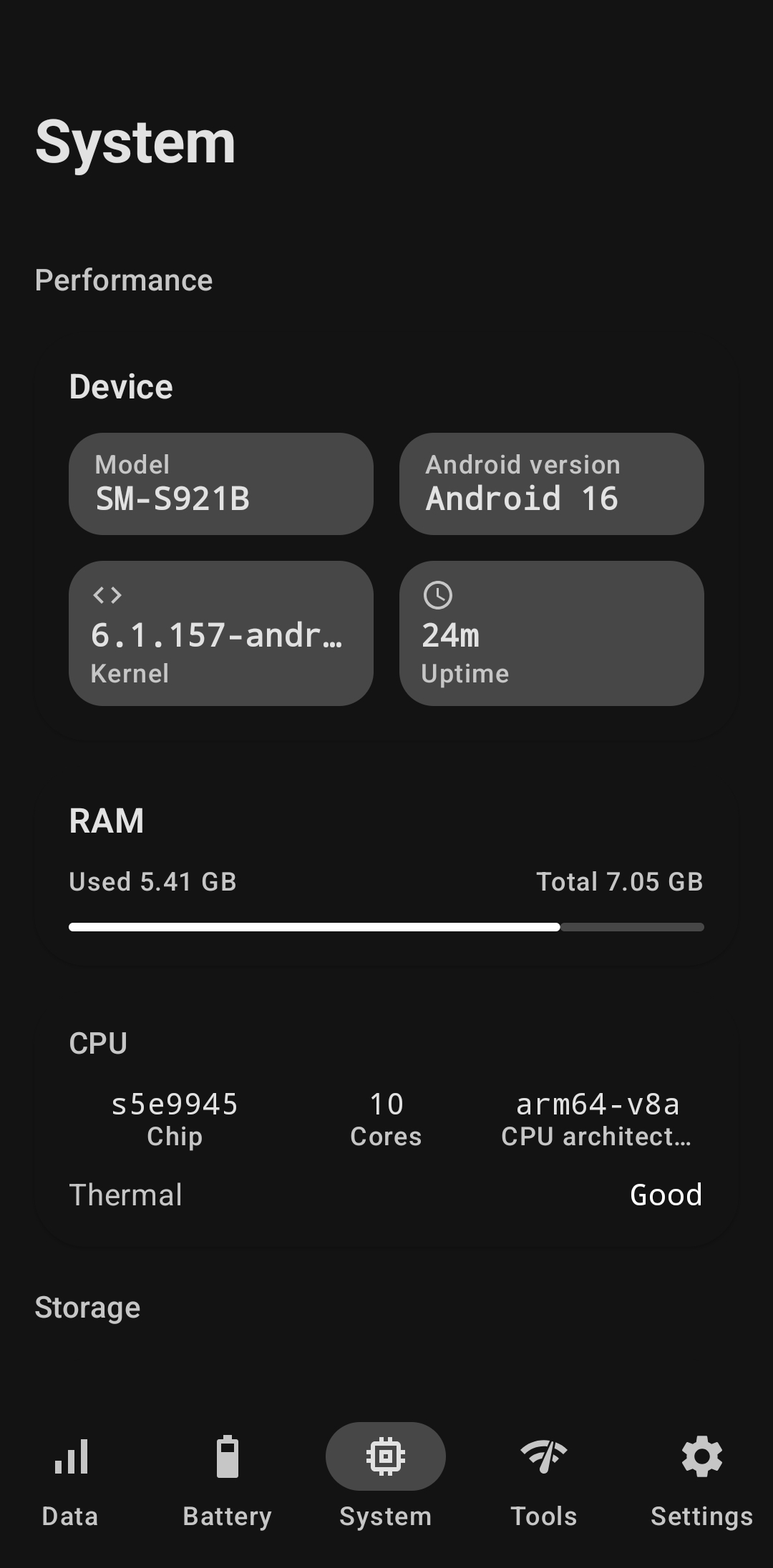
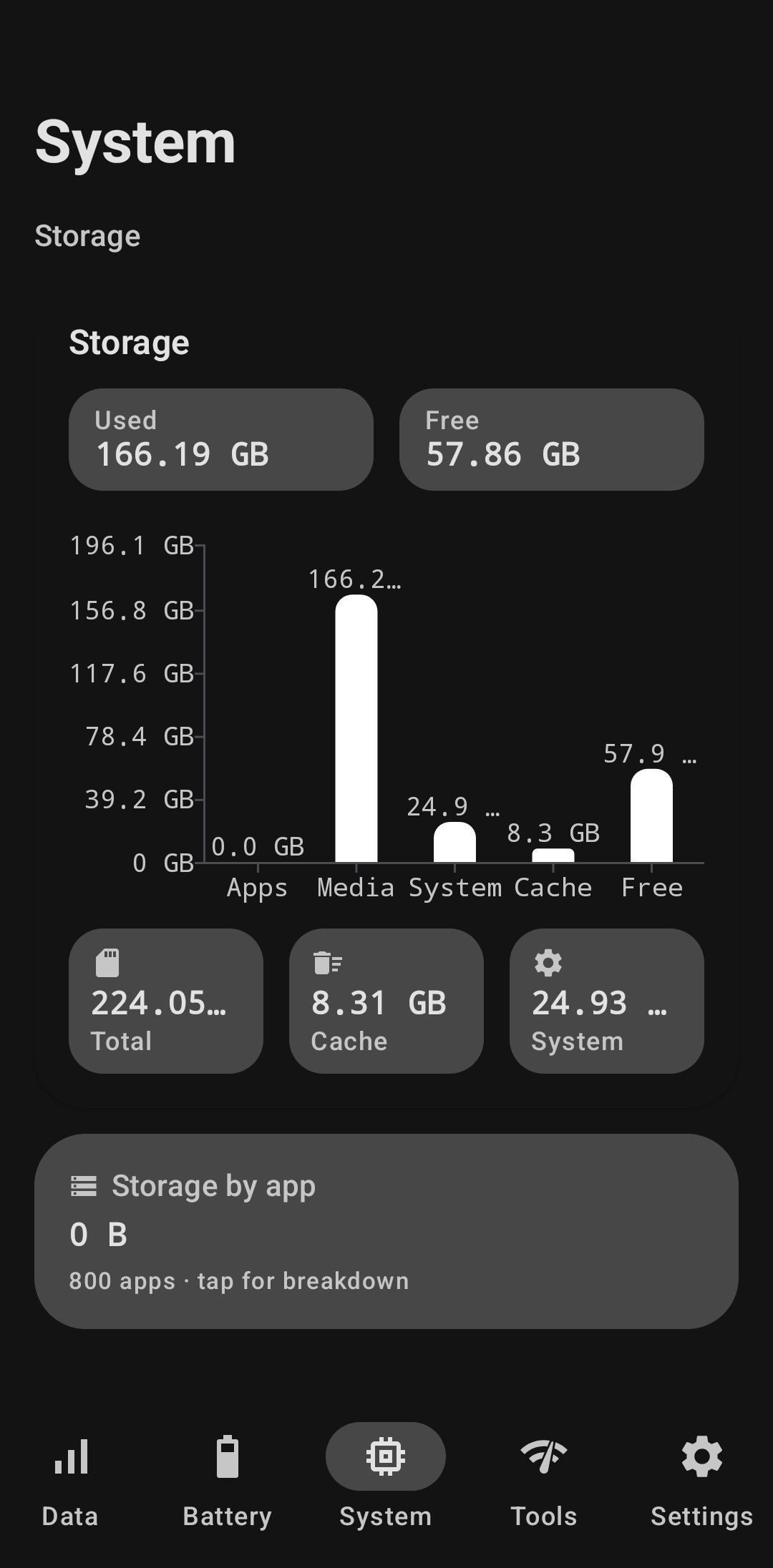
Model, Android version, kernel, uptime, chip, core count and architecture — read straight from the system. If a value isn't exposed on your device, Andromeda says so instead of inventing one.
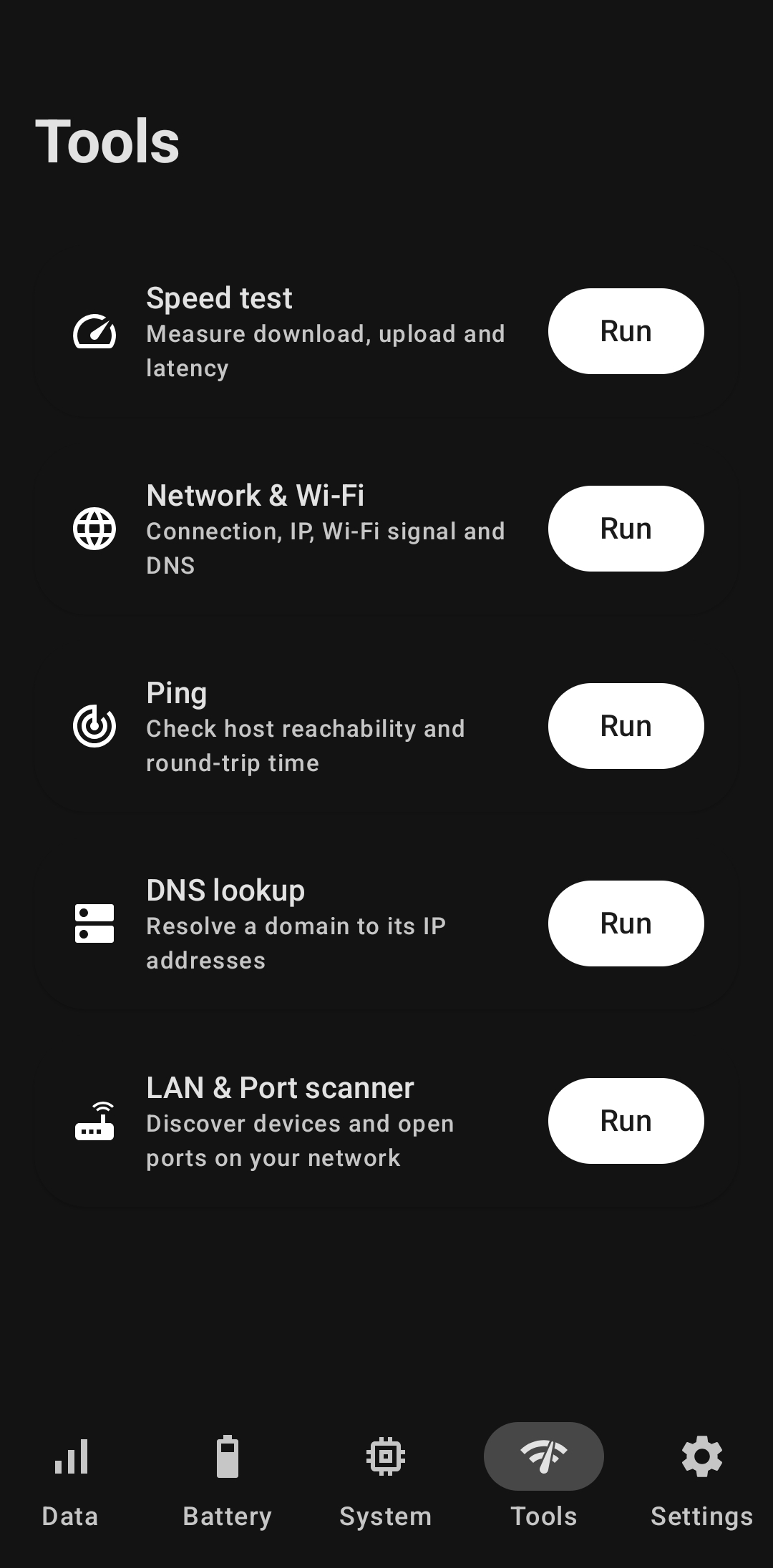
Speed test, ping, DNS lookup, network inspector and LAN scanner — no second app, no ad-funded SDK reading your traffic. Every run is saved so you can compare it against the last one.
Beyond the four tabs
The details that make a monitor worth keeping installed past week one.
A compact pill that hovers over any app with live data and battery. Toggle it from Settings, pick the refresh rate, or have it start with the app.
An ongoing notification with your current numbers. Survives a swipe-away and comes back after reboot — no silent disappearing act.
Nebula, Aurora, Ember or Dynamic — wallpaper-based Material You on Android 12+. Accents cascade across every screen instantly, light or dark.
Tap a chart column to select it, tap again to open that exact window. Two-step by design, so a scroll never fires a navigation you didn't want.
Long-press the launcher icon to jump straight to Data, Battery, System or Tools — icons matched to the bottom navigation.
Anonymous crash and usage reporting helps fix bugs — and one toggle in Settings → Privacy stops all of it, immediately. Your monitored metrics are never sent anywhere.
Tools tab
Every tool keeps its last 25 runs, so "is it slower than yesterday?" is a question you can actually answer.
Download, upload and latency with a live throughput chart and a named server.
Connection type, IP addresses, Wi-Fi signal strength and DNS servers in one view.
Host reachability and round-trip time — for diagnosing lag, DNS trouble and VPN overhead.
Resolve any domain to its IP addresses and see exactly what your resolver returns.
Discover devices on your local network, with per-host port scanning in Pro.
Pricing
No subscription. No account. No server holding your history hostage. Buy Pro once through Google Play and it's yours on every device signed into that account.
The whole monitor, no strings and no sign-in. Most people never need more.
Current price is shown in the app and on Google Play in your local currency. Buy it once — there is nothing to renew and nothing to cancel.
The rules
These aren't marketing promises — they're constraints the app was built under, and the reason some screens say "not available on this device".
Every value traces to a documented Android API. If a metric isn't readable on your device, the UI says so plainly. No estimates, no hardcoded defaults, no invented drain percentages.
There is no backend and no account. The data, battery and system values you monitor are stored locally and never uploaded — not to us, not to anyone.
Release builds send anonymous crash reports and screen-view events to Firebase so bugs get fixed. Never your monitored data, never anything identifying — and one Settings toggle turns it all off. Read the policy.
Works on any non-rooted Android 8.0+ device. No root, no ADB setup, no shell-outs, no OEM-specific reverse engineering. Kotlin, Jetpack Compose, Room and Material You throughout.
Transparency
Andromeda asks only for what it reads. The sensitive QUERY_ALL_PACKAGES permission was removed in favour of Android's scoped package-visibility queries.
PACKAGE_USAGE_STATS
Reads per-app data usage and screen time via UsageStatsManager. You grant it yourself in Android Settings — the app walks you there.
Manual grant
SYSTEM_ALERT_WINDOW
Draws the floating overlay pill over other apps. Only requested if you turn the overlay on; skip it and everything else still works.
Optional
POST_NOTIFICATIONS
Shows the live stats notification and quota alerts at 80% and 100% of your set limit. Decline it and the app is silent.
Optional
FOREGROUND_SERVICE
Required by Android for any persistent foreground service — used only to keep the overlay and live notification running.
Auto-granted
INTERNET
Used by the Tools tab only — speed test, ping, DNS and LAN scan reach the network you point them at. Monitoring itself makes no network calls.
Auto-granted
Andromeda is on Google Play now — free, no account, and everything above works from first launch.